A comprehensive orientation module designed to give incoming USU students the foundational skills they need to navigate Canvas — before their courses even begin.
The Challenge
At Utah State University, Canvas is the backbone of academic life. Every course, every assignment, every conversation with an instructor flows through it. And yet, when students arrive — whether for the first time or transferring from another institution — they are largely expected to figure it out on their own.
The result is predictable: missed assignments, frustrated students, inequitable outcomes. The burden falls hardest on those who can least afford it — first-generation students, transfer students, online learners, and returning students who haven't used an LMS in years.
Our team was tasked with solving this. Not by creating a help document, but by designing a structured, learner-centered onboarding experience that meets students exactly where they are.
"Students frequently report challenges related to navigation, assignment submission, and managing notifications — and these challenges raise equity concerns, particularly for students new to higher education or online learning."
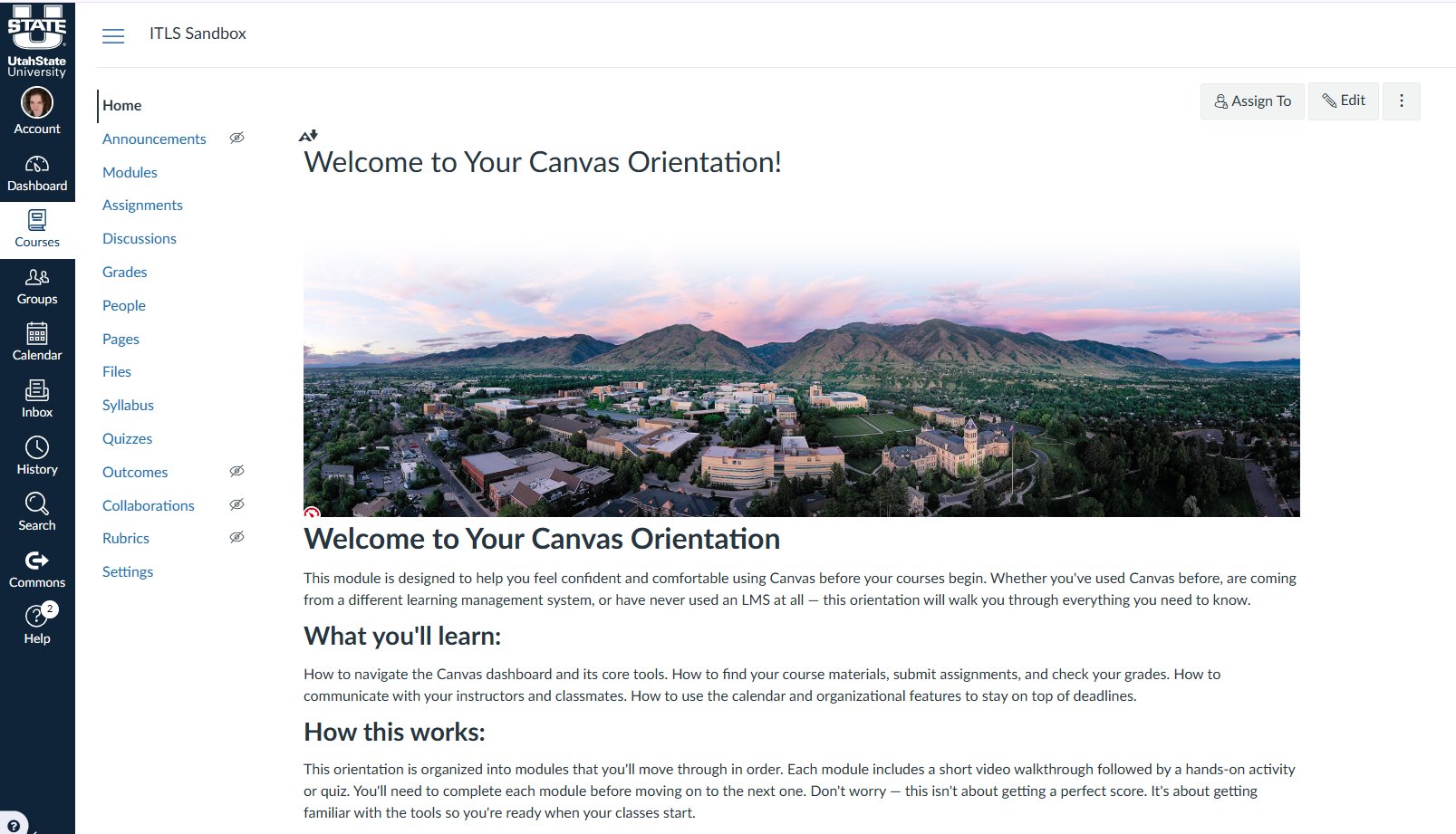
The Canvas Orientation home page, built inside the ITLS Sandbox course environment at USU.
Needs & Task Analysis
We gathered feedback from multiple stakeholders: USU students, IT staff, academic advisors, and instructors. The picture that emerged was consistent — the problem wasn't that Canvas was too hard. The problem was that no one was teaching it systematically.
Canvas training at USU was inconsistent and largely optional. Most "support" required students to seek it out themselves — a model that inherently advantages students who already know how to navigate institutional systems.
No required or standardized Canvas onboarding existed. Instructors organized their courses in wildly different ways, forcing students to re-learn navigation from scratch every semester. Students reported confusion with assignment submission, notifications, and the differences between mobile and desktop — and both they and their instructors observed measurable impacts on completion rates.
We mapped the full arc of Canvas competency into five phases, from initial login through personalized organizational tools:
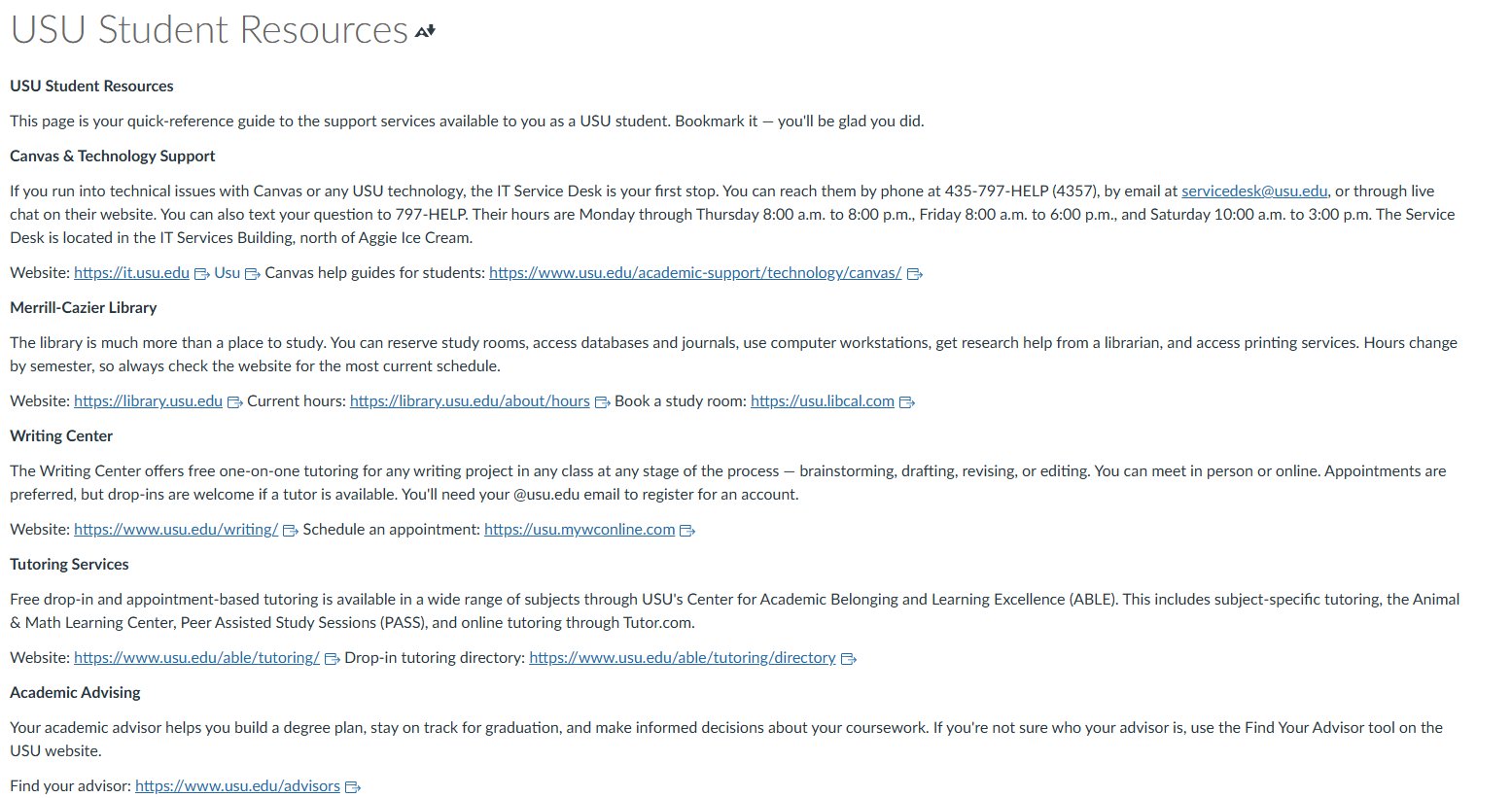
The USU Student Resources page — embedded directly so students never have to search for help.
Learner Analysis
Our audience was never just "students." It was a diverse population spanning eighteen-year-old first-years to forty-something returning students — digital natives who've used three different LMS platforms and digital immigrants encountering Canvas for the very first time. Any effective design had to hold all of them.
To make that population concrete and actionable, we deliberately constructed fictional learner personas — fully realized characters built from our research data. Personas are a core instructional design tool: by giving our target learners names, backstories, and specific needs, we could design with a real human in mind rather than an abstraction.
Meet Danny Harrison — a 20-year-old transfer student who used Canvas in high school, spent a year and a half at a school that used Blackboard, and now believes he doesn't need any training at all. His overconfidence and poor time management are exactly why this module needs to exist.
Danny Harrison
Fictional Persona · Age 20
Transfer student, USU Main Campus
Instructional Goals & Objectives
From the analysis, three clear instructional goals emerged — each anchored to measurable, performance-based objectives that could be evaluated within Canvas itself.
Instructional Activities & Prototype
We designed the module around a scaffolded approach: passive observation first, then guided practice, then fully independent application. Everything was built and delivered inside a Canvas "Orientation Sandbox" — so students learned Canvas by using Canvas.
Students watch an introductory "Overview of Canvas" video, then complete a Scavenger Hunt checklist — navigating to the Groups tab to find their team and the Calendar to identify a color-coded deadline. The structure works for both digital natives who'd skip it and digital immigrants who need every step.
Students download a "Practice PDF," rename it, and upload it to a dummy assignment — experiencing the satisfying "confetti" success notification and locating their submission receipt. They also post an introductory reply in Discussions, practicing how to embed a link or image.
Given a realistic scenario ("You are sick and will miss a deadline"), students compose and send a professional message via Canvas Inbox. They then use the "What-If" analysis in Grades to explore how a hypothetical score affects their overall grade — a skill that pays dividends all semester long.
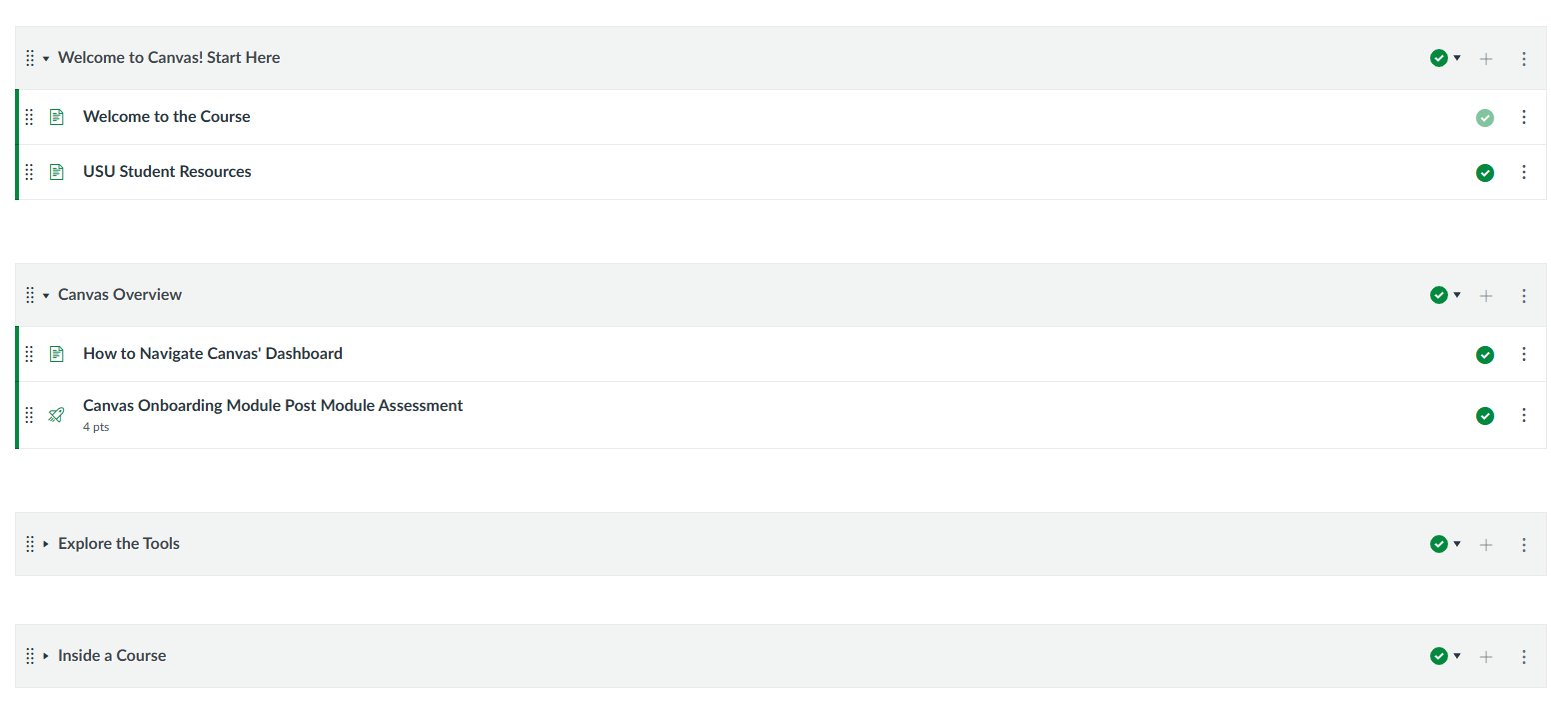
Module structure: scaffolded from orientation through independent practice.
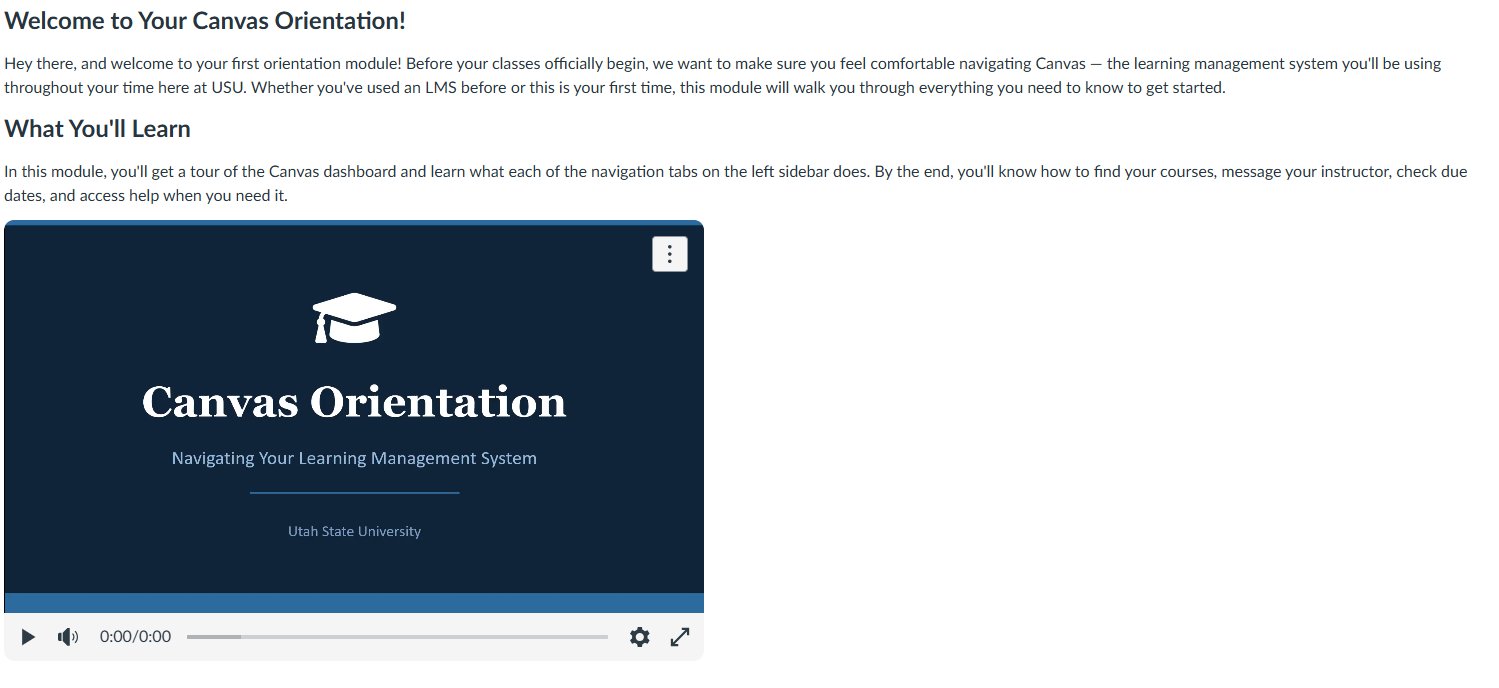
Instructional video embedded directly in Canvas — students learn the platform while using it.
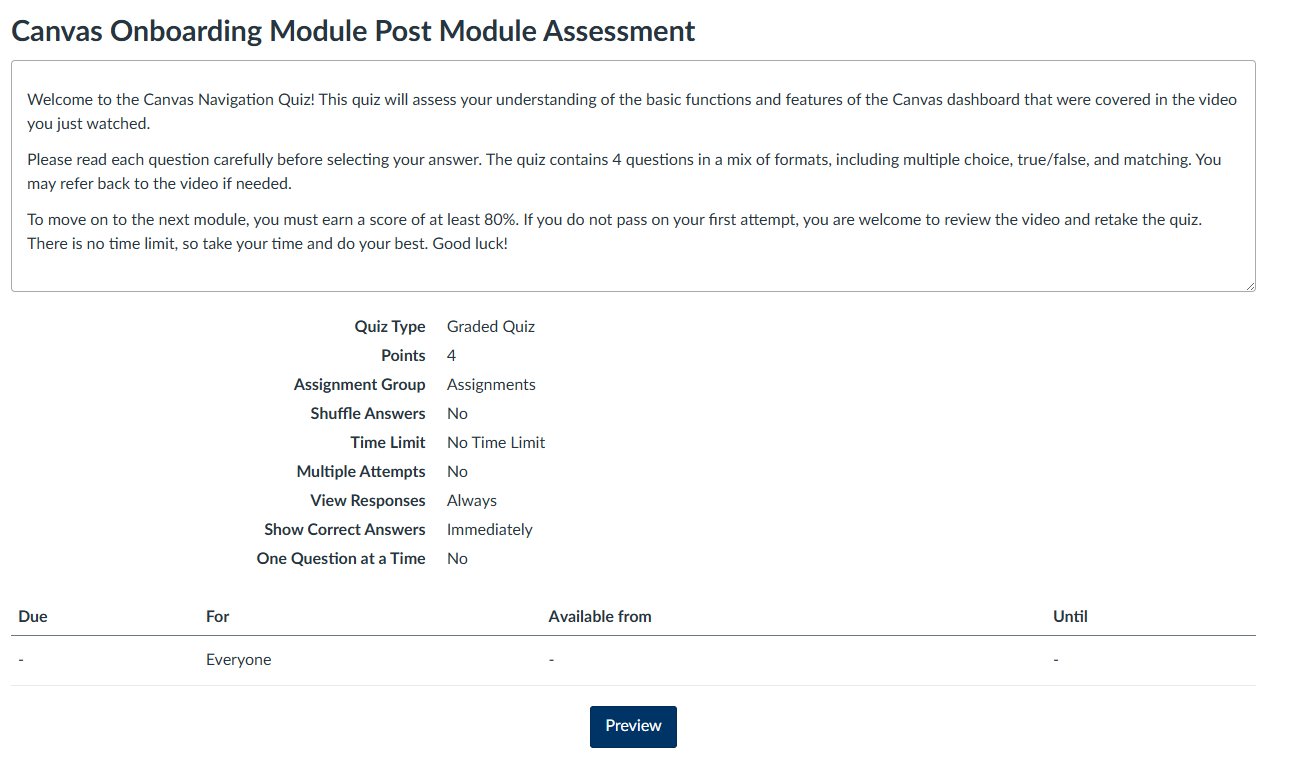
Post-module quiz: 4 points, no time limit, multiple attempts until 80% mastery is reached.
USU resources embedded directly in the orientation — tutoring, writing center, advising, and IT support at students' fingertips.
Evaluation & Outcomes
Rather than a single final test, our evaluation strategy was performance-based — assessing mastery through direct application of skills within the Sandbox. Students who don't meet thresholds are prompted to re-watch the relevant microlearning tutorial and try again, ensuring mastery rather than mere completion.
| Task Area | Evidence | Minimum |
|---|---|---|
| Basic Navigation | Knowledge check quiz | 80% correct |
| Course Management | Practice PDF upload | Submission receipt |
| Communication | Inbox scenario task | Sent status confirmed |
| Organization | Calendar deadline check | 100% date accuracy |
Objective Knowledge Checks — Embedded quiz questions testing identification and matching of Canvas features. Mastery threshold: 80%.
Performance-Based Checklists — Binary Complete/Incomplete evaluation of navigation tasks. Requires 100% completion.
Artifact Submission — Students produce tangible evidence: a submission receipt, a sent Inbox message, and a completed What-If grade analysis.
Because this module is foundational to academic success, all assessments support multiple attempts. Students never fail — they just try again after reviewing the relevant microlearning resource.
The Team